


Lincoln Way App Overview: Stay Connected with Your Lincoln
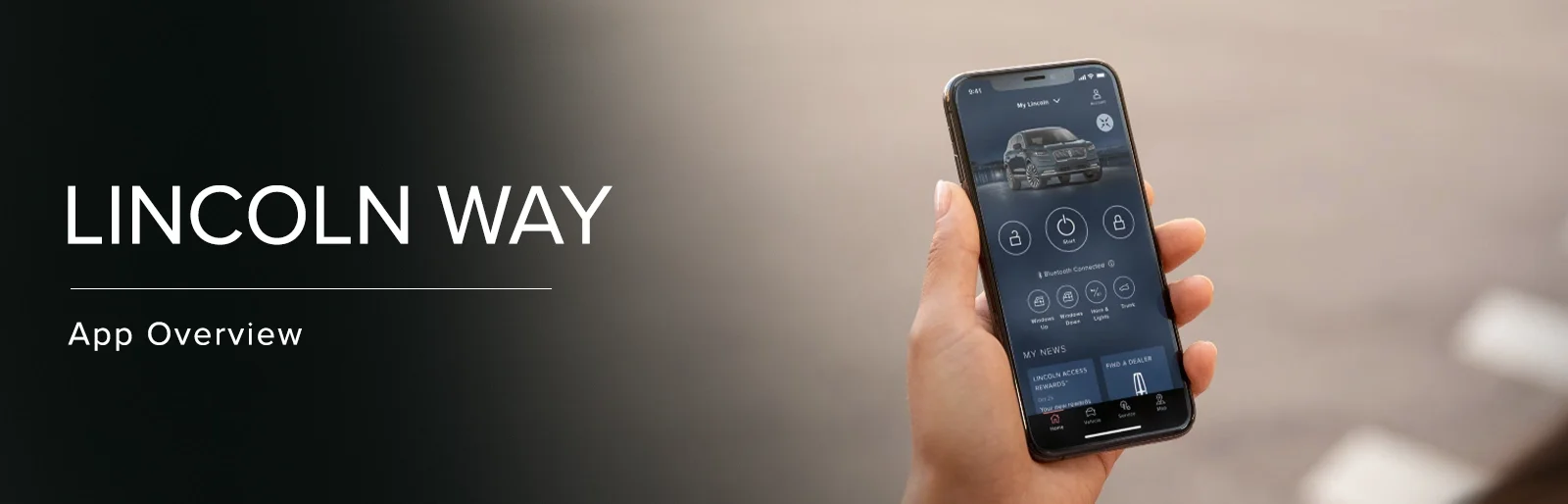
Engineered to a higher standard than most, Lincoln vehicles continue to set the standard for prestige, performance, and premium standard equipment that the competition is unable to imitate. Especially in terms of connectivity, today’s Lincoln models benefit from the revolutionary Lincoln Way App – an immersive app designed to enhance your Lincoln ownership experience.
In an effort to showcase all of the tremendous features and advantages you’ll enjoy when using the Lincoln Way App, our team at Joe Rizza Lincoln has created this helpful reference guide that covers all of its key features. From accessing information remotely to enjoying remarkable convenience features, the Lincoln Way App is yet another perk that comes from driving a Lincoln vehicle.
What is the Lincoln Way App?

Giving owners a way to seamlessly access and control key features of their Lincoln vehicle, the cutting-edge Lincoln Way App is available for both Apple and Android devices. Right from the palm of your hand is a wealth of information that will enhance your ownership experience and transform the way you interact with your vehicle. Simply click on the links below to download the Lincoln Way App for your compatible device and get started enjoying all of the great convenience perks of this innovative smartphone app for your Lincoln vehicle.
Download for Apple Devices
Download for Android Devices
Lincoln Way App Features

Remote Access - Connect & Control
From virtually anywhere, you can control key features of your Lincoln vehicle using the Lincoln Way App. You can schedule remote start, lock/unlock the doors, and set your personal door security code using Phone as a Key technology.
Stay Informed & Alert
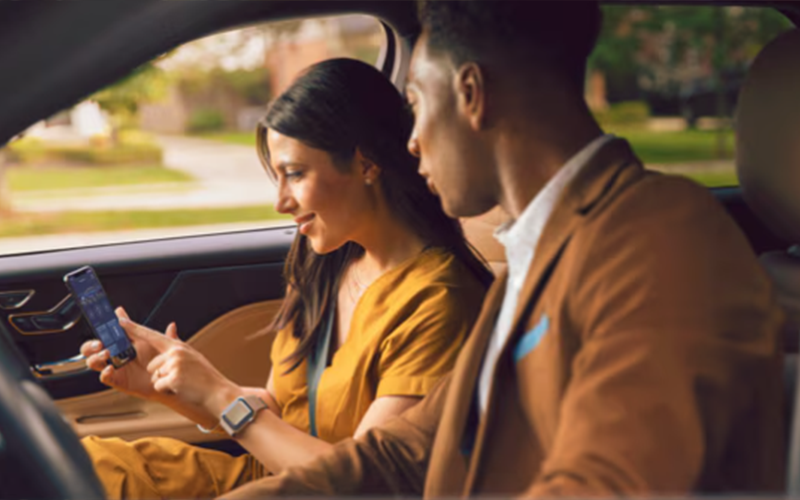
Staying on top of vehicle health and maintenance is easier than ever thanks to the Lincoln Way App. Drivers can check fuel levels, monitor oil life, view current tire pressures, and much more even if they’re miles and miles away from their vehicle! You can also personalize alert settings so you’ll always be informed of your vehicle’s health and maintenance requirements.

Service at Your Fingertips
When the time comes for routine maintenance or service, scheduling an appointment can be done at the touch of a button. Simply choose your preferred dealership and select the date and time that fits your schedule. Better still, you can take advantage of available pickup and delivery services and our team will handle the process from start to finish. There’s even a dedicated Lincoln Concierge team standing by to provide personalized support and care including access to 24/7 roadside assistance. Lincoln ownership has never been more seamless and convenient!
Apply Now

Lincoln Access Rewards™
Get rewarded for giving your Lincoln the care it deserves. Manage and redeem your points toward Lincoln Priority Service™, accessories, and even your next vehicle purchase with Lincoln Access Rewards™. Qualified individuals can also apply for the Lincoln Access Rewards™ Visa® to earn additional points on purchases outside of the dealership.
Lincoln Access Rewards
Lincoln Way App - Frequently Asked Questions
It’s simple! First, begin by downloading the Lincoln Way App for your compatible Apple or Android device and accept the terms & conditions. Next, you’ll be prompted to log in to your Lincoln Owner Account and select Add Vehicle. Once added to My Garage, you’ll confirm your settings and be directed to the home page. You’re all set!
Of course! Our team of Lincoln experts at Joe Rizza Lincoln is standing by to provide you with assistance setting up or using the Lincoln Way App. We’ll guide you through the process at the time of purchase but don’t hesitate to reach out if you still need additional help.
Phone as a Key technology (available on most current Lincoln models) allows you to program your phone to act as a key to your vehicle Using the Lincoln Way App, you can unlock, start, and drive your vehicle without the need for a physical key fob! Simply pair your phone using a Bluetooth connection and you’ll be prompted to activate the Phone as a Key feature.